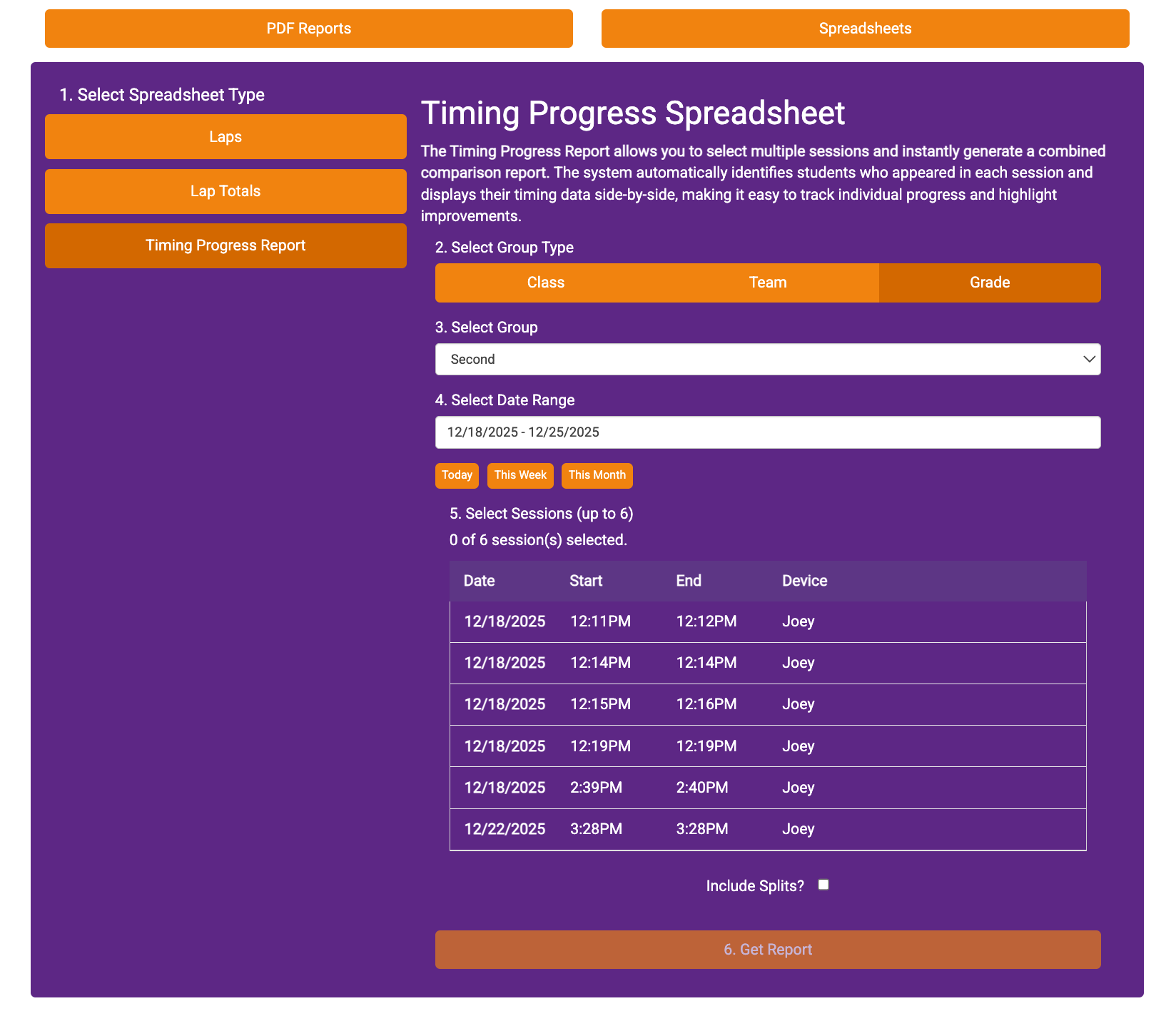
The Timing Progress Report allows you to select multiple sessions and instantly generate a combined comparison report. The system automatically identifies students who appeared in each session and displays their timing data side-by-side, making it easy to track individual progress and highlight improvements.
1. Go to Stats
2. Go to View Reports
3. Go to Spreadsheets
4. Click on Timing Progress Report
5. Follow the prompts to Select Group Type, Group, and Date Range
6. Select the sessions you'd like to review. (Include splits if needed)
7. Click Get Report
8. Check your downloads for the report.